
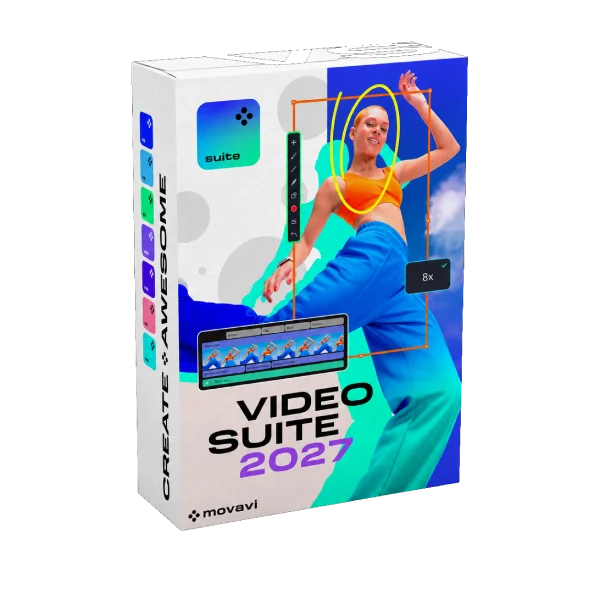
Movavi Video Suite 2027
$119.95 $50.95
Create pro-looking videos in minutes with Movavi Video Suite 2027, the all-in-one toolkit for editing, screen recording, and file conversion. New ready-made Templates, AI auto-subtitles, and smart auto-cropping for vertical videos do the heavy lifting for you. Perfect for vloggers, educators, and small businesses who want great results without a learning curve.
1 Device – Lifetime License
Description
Movavi Video Suite 2027 puts a video editor, a screen recorder and a file converter in one easy program. The big change this year is Movavi Templates: ready-made videos built from editable “Blocks”. You can use a template as it is, or swap in your own clips and have a polished video in a few minutes. It works for vlogs, family movies, business promos and tutorials, and you don’t need any editing experience.
What’s New in 2027
- Movavi Templates. Ready-made templates with editing, music, transitions and text already done. Use one as-is or rearrange it however you like.
- Movavi Blocks. Short pre-edited segments like intros, countdowns, quick cuts and animated collages. Drop them between your clips or build a whole video Block by Block.
- Auto-tracked cropping. Turns horizontal clips into vertical ones and keeps the speaker or product centered automatically. Handy for Reels, Shorts and TikTok.
- Word-by-word subtitle highlighting. The karaoke-style captions popular creators use. Each spoken word lights up as it’s said.
- Quick video denoise. AI cleans up grainy low-light or phone footage without blurring faces or fine detail.
- Pre-timeline trimming. Trim a clip before it goes on the timeline, so you only bring in the part you need.
Video Editor
- Streamlined timeline that’s quick to learn
- Trim, crop, merge, split and make frame-precise cuts with the Blade tool
- Color correction, stabilization and overlay effects with 13 blending modes
- AI motion tracking that pins text, stickers or images to moving objects
- Thousands of filters, transitions, titles and stickers
- 40+ adjustable effects such as light leaks, dust and VHS, plus speed control up to 100x
AI Tools
- One-click automatic subtitles in almost any language, with 30+ subtitle styles
- Translate auto-subtitles into English in one click
- Export captions as SRT files
- Automatic silence removal with an adjustable pause length and volume threshold
- AI background removal with no green screen needed
- AI audio noise removal for wind, traffic and background hum
Screen Recorder
- Record the full screen or a custom area in one click
- Highlight mouse clicks and keystrokes
- Draw on the screen while you record
- Scheduled recording with a timer
- Scrolling screenshots
Video Converter
- Fast conversion between all popular video and audio formats
- Device-ready presets
- AI upscaling to improve low-resolution video
Useful Extras
- CD/DVD/Blu-ray burner
- Media player
- Stock music, video and effects library
- Direct upload to YouTube, TikTok, Vimeo and Google Drive


Reviews
There are no reviews yet.